
Job sheets are completed on paper and keyed in at the end of the day.
ENPFOX Field Service & Asset Tracking · Solution brief sales@enpfox.com

FIELD SERVICE & ASSET TRACKING
Field Service & Asset Tracking
Close the job on site, with the evidence attached to the asset.
THE OPERATIONAL GAP
The record has to be complete before the technician leaves.
When job sheets, photos and asset updates are finished after the visit, the office works from memory and the next technician starts without the full history. Mobile capture closes the job at the asset, not at the depot.
Photos, signatures and readings are filed separately from the asset record.
Asset registers drift between annual audits, and missing assets are found late.
On-site labelling or identity checks wait for a return trip to the depot.
FIELD SCENARIOS
Three field scenarios.
Field teams work where the network, the weather and the asset are all unpredictable. These scenarios keep records complete and assets visible.
04.1
Inspection and digital work orders
Job sheets are completed on paper and keyed in at the end of the day. Photos are filed separately, and the office cannot see job status until the technician returns.
Workflow
- Receive the job and asset details on the device.
- Scan the asset tag on arrival.
- Complete the checklist, readings and photo evidence.
- Capture the customer signature and close the job.
- Sync the completed work order when connectivity is available.
What improves
- Job status visible while the technician is still on site.
- Complete evidence attached to the asset record.
- Less end-of-day administration.
Recommended setup
04.2
Asset tagging and audit rounds
Asset registers are out of date. Audits are annual events, and missing or moved assets are discovered late.
Workflow
- Load the asset list and audit scope.
- Walk the site and capture UHF tags in bulk.
- Scan close-range tags or barcodes where required.
- Flag missing, moved or unknown assets.
- Post the audit result to the asset system.
04.3
On-site service and documentation
A field engineer needs to label a repaired asset, print a service record or verify an identity document on site. Leaving to find equipment delays the visit.
Workflow
- Scan the asset and retrieve its service history.
- Record parts used and work performed.
- Print a service label or receipt where the configuration supports it.
- Capture a signature or document reference where required.
- Sync the record to the service platform.
What improves
- Service records completed during the visit.
- On-site labeling and documentation.
- Fewer return visits for missing paperwork.
Recommended setup
Document and identity capture requirements must be confirmed for the selected configuration and target region before deployment.
RECOMMENDED SETUP
Build the device bundle.
A starting configuration. Final module, accessory and OS choices depend on the workflow, environment and target market.
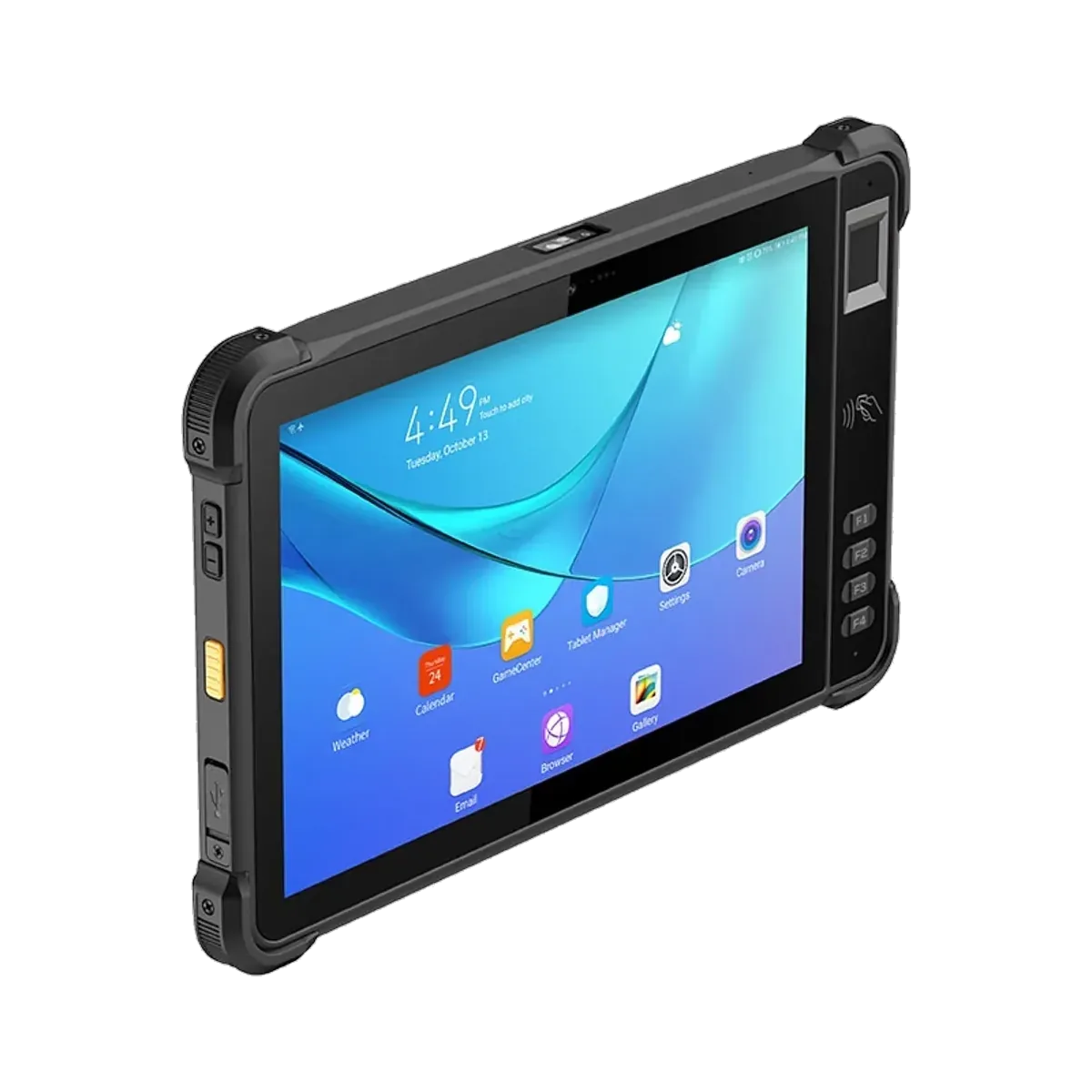
Rugged Tablets
Y100 Standard
The base 10.1-inch Android 16 tablet for mobile work, inspection and optional data capture.
View product →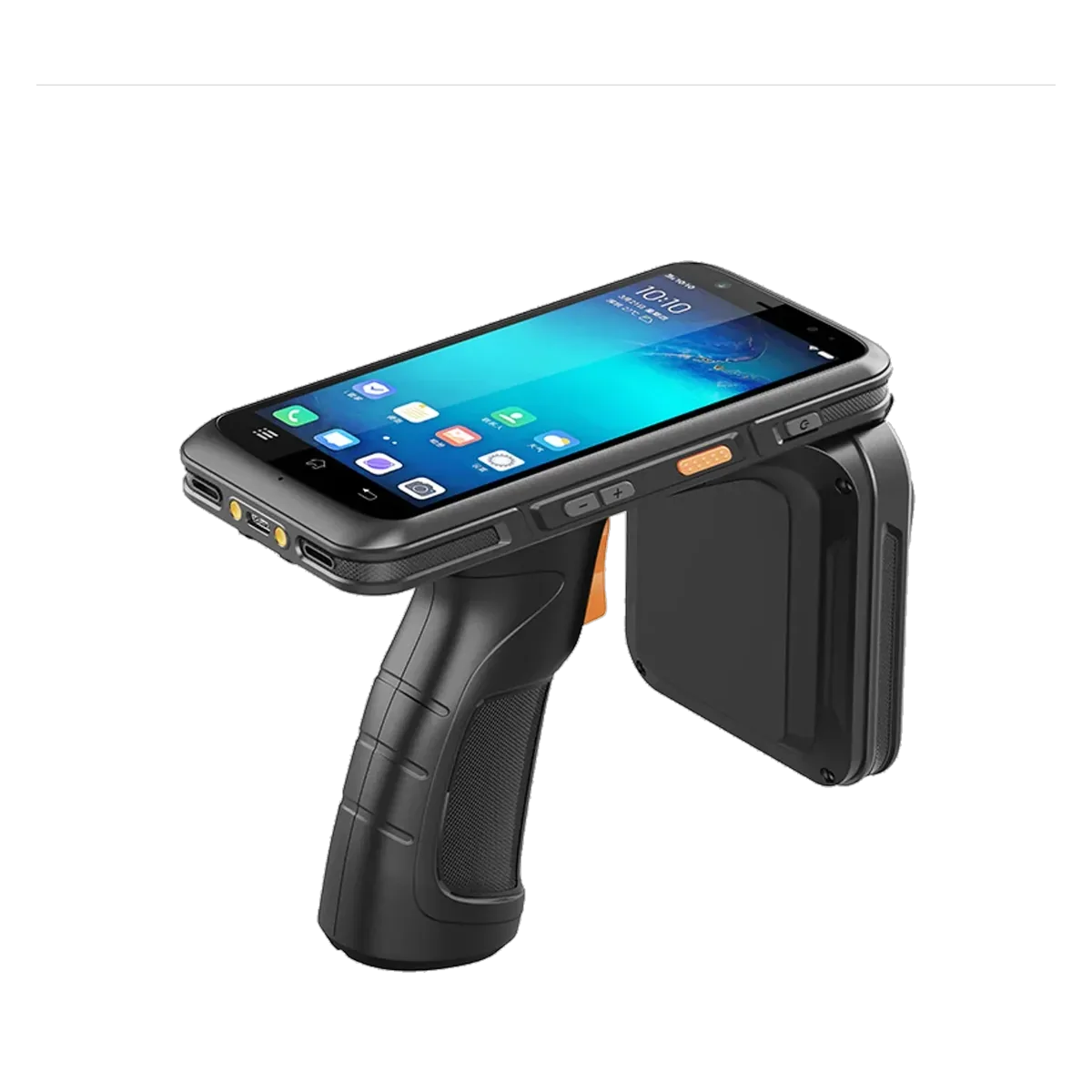
RFID Handhelds
HT550
Long-range UHF RFID handheld with Android 13, a 9,600 mAh battery and optional barcode scanning.
View product →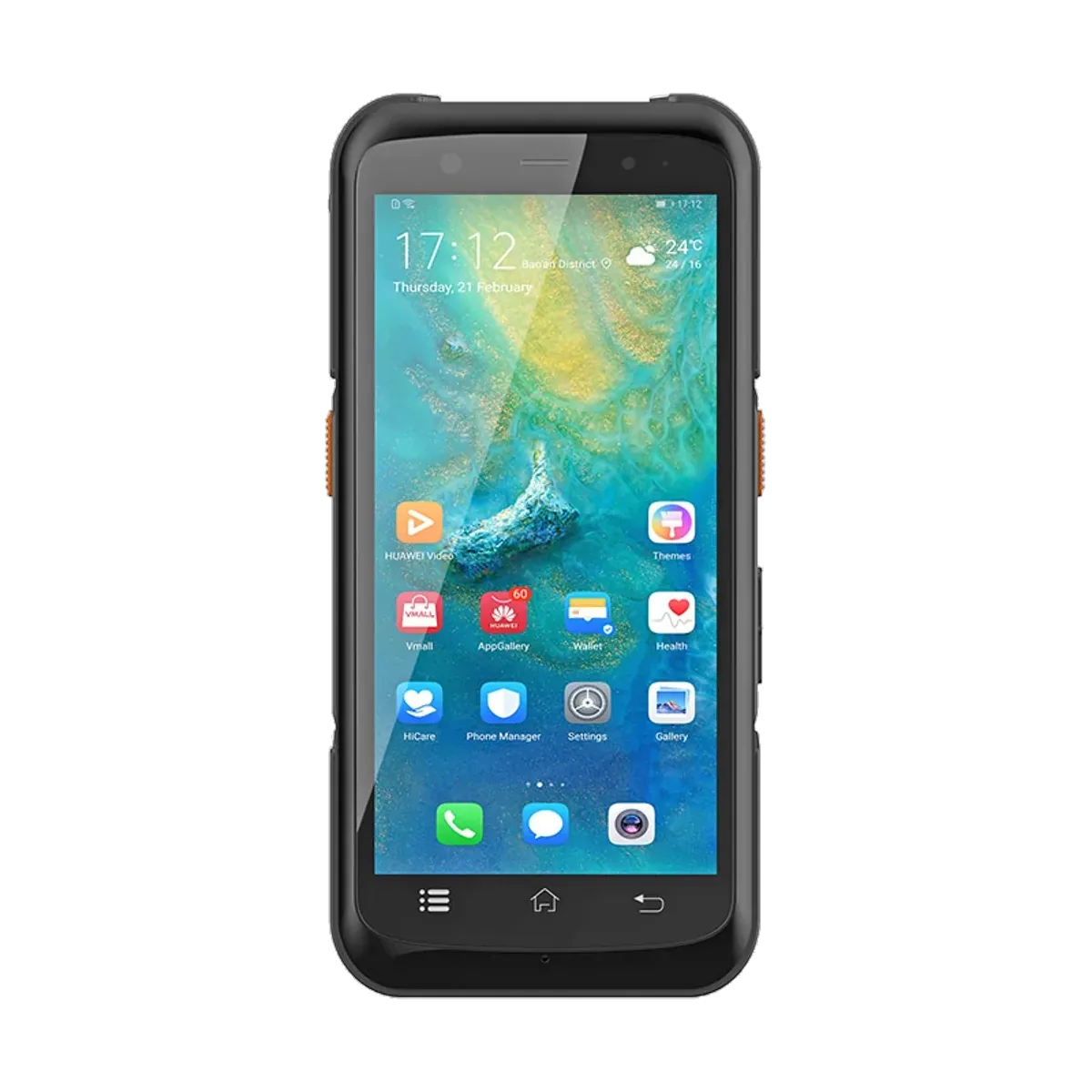
RFID Handhelds
HT540-UHF
UHF RFID handheld for item-level stock counts, asset audits and short-range inventory reads.
View product →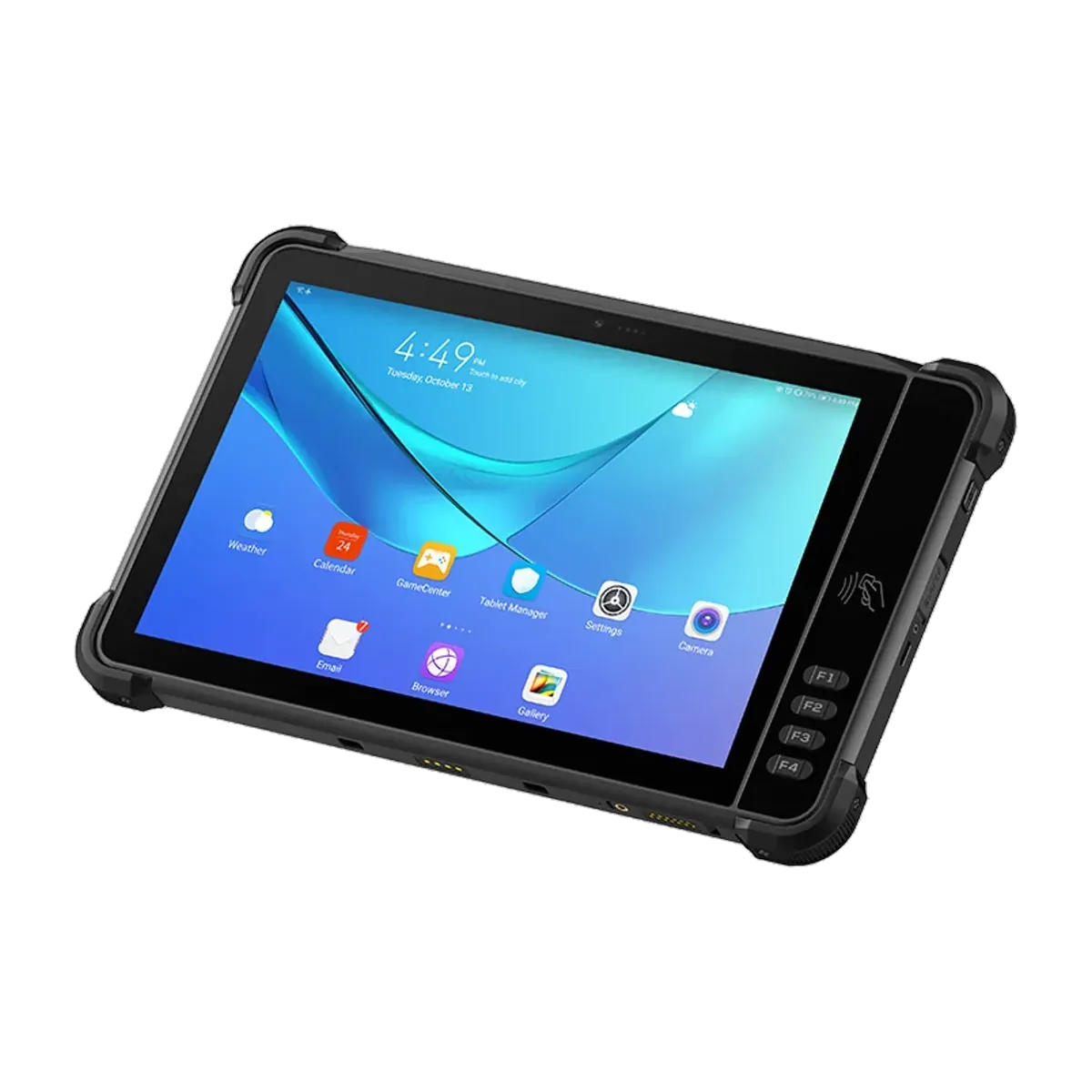
Rugged Tablets
Y100 RFID
A 10.1-inch rugged tablet with an integrated Impinj UHF RFID module for inventory and asset audits.
View product → WHAT IMPROVES
What changes after deployment.
- Job status visible while the technician is still on site.
- Complete evidence attached to the asset record.
- Audits completed in hours, not days.
- Fewer return visits for missing paperwork.
DEPLOYMENT SNAPSHOT
Field service & assets
- Environment
- Outdoor sites, plants, substations and customer premises
- Shift pattern
- Day shifts; on-call and emergency response
- Connectivity
- Cellular primary; Wi-Fi when available
- Accessories
- Rugged case, shoulder strap, vehicle charger, spare battery
- Integration
- CMMS / EAM / service platform through your software stack
BEFORE QUOTATION
Four things we confirm before we recommend a configuration.
A short technical review prevents most deployment surprises. These are the questions we work through with your team.
- Confirm network coverage and offline requirements.
- Confirm the asset tag technology and audit scope.
- Confirm the document / ID module and regional approvals.
- Confirm the service platform interface and evidence retention rules.
DEPLOYMENT PATH From workflow review
From workflow review
to fleet rollout.
Hardware is one part of a deployment. A short, structured process reduces rework and gives both teams a clear acceptance point.
Workflow review
Map the current steps, the exceptions and the data each step must produce. Agree what good looks like before selecting hardware.
Configuration
Choose the form factor, capture modules, OS, accessories and integration points. Confirm regional bands and approvals.
Pilot
Deploy to one site or one shift. Compare accuracy, cycle time and exception rates with the current process.
Rollout & support
Stage devices, configure MDM, train users, plan spares and agree the support path for the fleet.
STANDARD OR CUSTOM
Need the device configured around your workflow?
We support OS and software configuration, module and accessory selection, branding and packaging for channel and project deployments.
Explore ODM / OEM ↗- OS, software and MDM configuration
- Capture modules and accessory kits
- Branding, packaging and documentation
Other industries
NOT SEEING YOUR WORKFLOW? Tell us how your team
Discuss this workflow ↗ Tell us how your team
works today.
We will map the steps, the exceptions and the data — then recommend a device and configuration.