
Workflow review
Map the current steps, the exceptions and the data each step must produce. Agree what good looks like before selecting hardware.

Four industries, twelve field scenarios. See how rugged mobile computers, RFID and industrial tablets fit into the workflows your teams run every day.
Each industry page maps the operating steps, the exceptions and the data each step must produce — then shows the devices and configuration that support them.
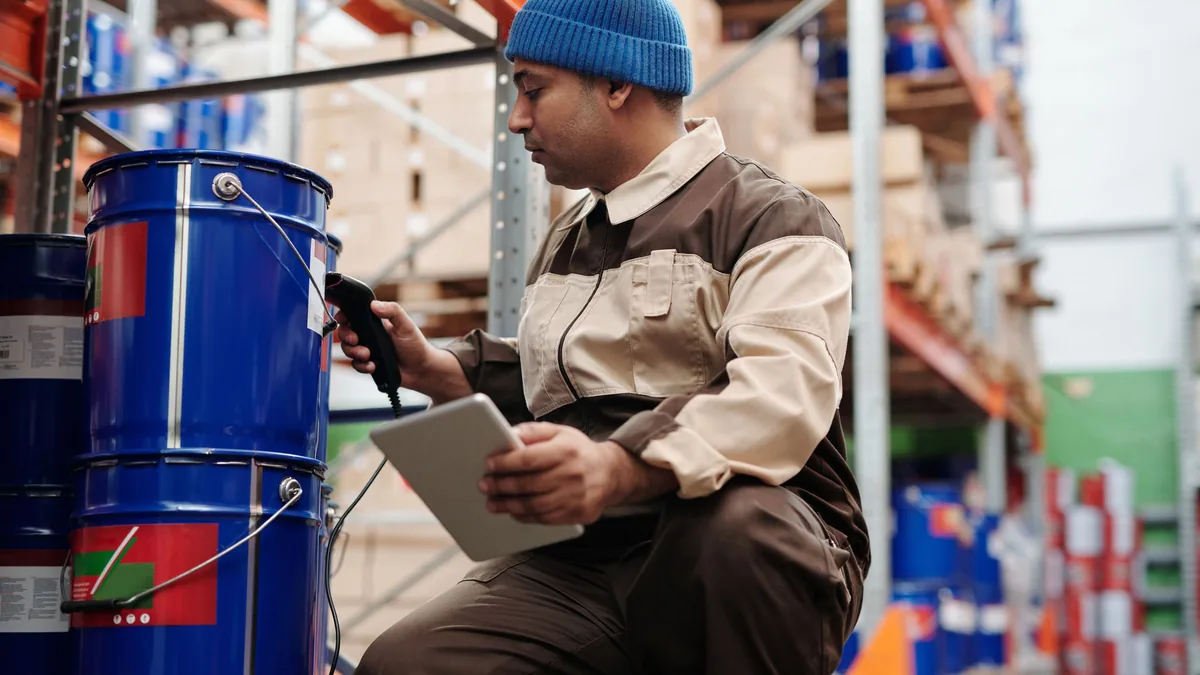
Verify every unit at the dock, in the aisle and at dispatch — without adding a second counting step.
Explore the workflow
Capture work orders, material consumption and quality events at the station, not after the shift.
Explore the workflow
Keep shelf, backroom and price data aligned during the trading day, not after closing.
Explore the workflow
Complete the job record, asset audit and on-site documentation before the technician leaves.
Explore the workflowEvery deployment starts with a physical event — a scan, a tag read, a signature — and ends in a business system. ENPFOX supplies the layers in between, and works with the software stack you already run.
Match the capture method to speed, range and item type. A barcode is precise; UHF RFID is fast in bulk.
Choose a handheld for one-handed tasks, or a tablet for larger screens, Windows software and equipment I/O.
Keep the device linked to the network, the equipment beside it and the accessories it depends on.
Connect the captured event to the system that runs the business. We work with your software stack.
Accessories, spares and deployment support are planned with the device, not added after it.
A starting point for specification discussions. Final device and module selection depends on the application, environment and regional configuration.
| Industry | Typical tasks | Recommended devices | Capture |
|---|---|---|---|
| Warehouse & Logistics | Receiving, put-away, cycle counting, picking, packing, dispatch | RFID Handheld Series · HT600 · Y100 Series | 1D / 2D barcode, UHF RFID, mobile print |
| Manufacturing | Work orders, WIP, kitting, traceability, maintenance rounds | RFID Handheld Series · HT600 · Y100 Series | Barcode, NFC, wired I/O, photo evidence |
| Retail & Commerce | Replenishment, price checks, stocktakes, labeling | RFID Handheld Series · HT600 · Y100 Series | Barcode, UHF RFID, mobile print |
| Field Service & Assets | Inspections, work orders, asset audits, on-site documentation | RFID Handheld Series · HT600 · Y100 Series | Barcode, UHF RFID, document reading, mobile print |
UHF RFID frequency bands and market approvals vary by country. Confirm the target market before configuration.
Hardware is one part of a deployment. A short, structured process reduces rework and gives both teams a clear acceptance point.
Map the current steps, the exceptions and the data each step must produce. Agree what good looks like before selecting hardware.
Choose the form factor, capture modules, OS, accessories and integration points. Confirm regional bands and approvals.
Deploy to one site or one shift. Compare accuracy, cycle time and exception rates with the current process.
Stage devices, configure MDM, train users, plan spares and agree the support path for the fleet.
Some deployments need more than scanning. These platforms are positioned for healthcare-oriented and identity-document workflows, subject to the approved configuration and target market.
An HF RFID handheld for cards, labels and NFC workflows where identification happens at close range. Configuration and accessory choices are confirmed against the project's workflow and regional requirements.
A 10.1-inch rugged tablet for counter, field and inspection workflows that need a larger screen and optional data capture. Identity and document modules are project-specific and must be confirmed for the target country.
ENPFOX supports standard product selection and ODM/OEM programmes for channel partners, system integrators and project deployments.
Explore ODM / OEM ↗We will map the steps, the exceptions and the data — then recommend a device and configuration.